
DLS 19 for iOS (iPhone & iPad)

DLS 19 is popular with football fans. It lets players create clubs, sign players, and compete in leagues. The game is known for realistic gameplay and smooth controls, keeping its popularity even after release.

Explore our complete collection of authentic 26/27 custom kits, club crests, and expert gameplay tutorials for Dream League Soccer 2019 on iOS devices.
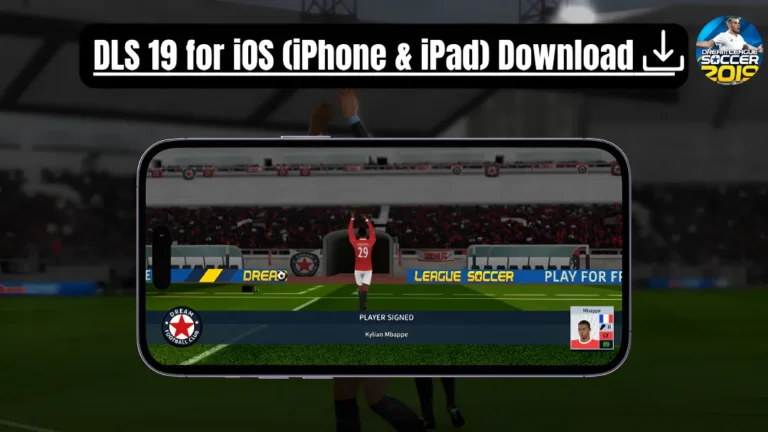
DLS-19-for-iOS-Title-image

This guide will show you how to get the most out of DLS 19 on your iOS device, covering App Store legacy history, Career Mode, transfers, stadium development, and custom kits. You will also find details on device compatibility, system requirements, and tips for fixing common installation issues.

Playing DLS 19 on iPhone & iPad

Dream League Soccer 2019 for iOS delivers an enjoyable football experience on Apple devices, combining responsive touch controls, authentic club management, and complete offline Career Mode play.

Improved Match Visuals

DLS 19 features crisp visuals for matches on iPhone and iPad, featuring sharp pitch textures, authentic stadium lighting, smooth 60 FPS animations on Retina displays, and clean player presentation.

Responsive Touchscreen Controls

The controls are optimized for iPhone and iPad, allowing natural passing, shooting, dribbling, and defending. The responsive layout ensures quick reactions during counterattacks and confidence in scoring.

Runs on Current iOS Versions

Dream League Soccer 2019 remains compatible with many Apple devices, allowing iPhone and iPad users with the game in their purchase history to enjoy smooth, stable offline football on modern iOS hardware.

Tactical Formations and Squad Management

Every manager has a unique football style. DLS 19 iOS lets you experiment with formations and player positions, enabling you to create tactics that suit your squad.

Why Play DLS 19 on iPhone & iPad?

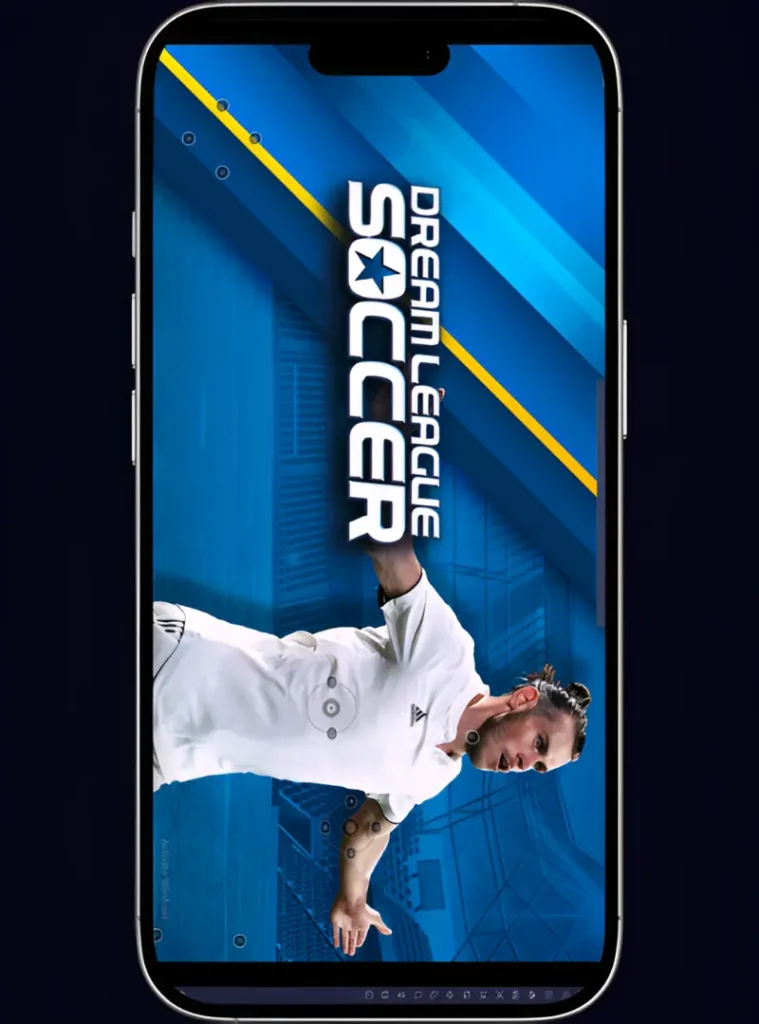
Whether you’re chasing promotion in Career Mode, scouting new players in the Transfer Market, or making tactical changes before a crucial match, Dream League Soccer 2019 (DLS 19) feels right at home on iPhone and iPad. The larger screen of an iPad makes it easier to track attacking runs, defensive positioning, and passing lanes, while the portability of an iPhone allows you to continue building your Dream Team whenever you have free time.

From signing new footballers and upgrading your club to competing for trophies across multiple divisions, every part of the DLS 19 journey is accessible from your Apple device. For many fans, the ability to manage a growing football club and jump into a match within seconds is one of the biggest reasons DLS 19 remains popular on iOS.
Why Play DLS 19 on iPhone & iPad?

App Store Legacy History & iOS Compatibility Guide

Dream League Soccer 2019 remains one of First Touch Games’ most celebrated releases, cherished by iOS players for its smooth touch controls, authentic FIFPROâ„¢ licensed players, and true offline playability.

Step 1: App Store Legacy Release History

First Touch Games originally distributed DLS 19 as a standalone annual release on the iOS App Store. While superseded by newer annual releases in public listings, the 2019 edition remains iconic for its offline playability.

Step 2: Re-Downloading via Apple ID Purchased History

If your Apple ID previously acquired Dream League Soccer 2019, you can easily re-download it: open App Store > Account > Purchased > My Purchases, search for “Dream League Soccer 2019”, and tap the iCloud download icon.

Step 3: iOS System Requirements & Performance

DLS 19 runs smoothly on iOS 9.0 up to modern iOS and iPadOS versions. Devices with at least 1 GB of free storage and 2 GB of RAM (iPhone 6s or newer, iPad Air 2 or newer) will enjoy stable 60 FPS match simulation.

Step 4: Optimizing Touch & Graphics Settings

If your iPhone asks you to trust the DLS 19 app, go to Settings > General > VPN & Device Management, trust the app, and then launch the game.

Step 5: Importing Custom 26/27 Kits on iOS

After the installation is complete, open DLS 19 from your Home Screen and start playing. Build your dream team, sign top players, and enjoy Dream League Soccer 2019 on your iPhone or iPad.

System Requirements

Final Thoughts

Dream League Soccer 2019 offers a captivating football experience on iPhone and iPad, whether you’re starting a new club or striving for promotion. Build your Dream Team, make strategic transfers, upgrade your stadium, and refine your tactics as new objectives arise each season. The game features responsive iOS controls, sharp Retina visuals, and smooth gameplay, ensuring an enjoyable management and matchday experience. If you want to play DLS 19 for iOS, your iPhone or iPad is an ideal choice for this popular game.

FAQs

Yes, it is playable on compatible iPhone and iPad models. Ensure your device meets the required iOS version and has enough storage for hastle free installation and gameplay.

Yes, you can play Dream League Soccer 2019 offline on iOS after the initial setup, but some features may still need internet access depending on the version.

If DLS 19 crashes on your iPhone, try restarting your device, updating iOS, closing background apps, and ensuring the game version is compatible with your device.

Installing DLS 19 usually takes only a few minutes. The total time depends on your internet speed, yours iOS performance, and the installation method used for DLS19.