
How to Play DLS 19 on PC
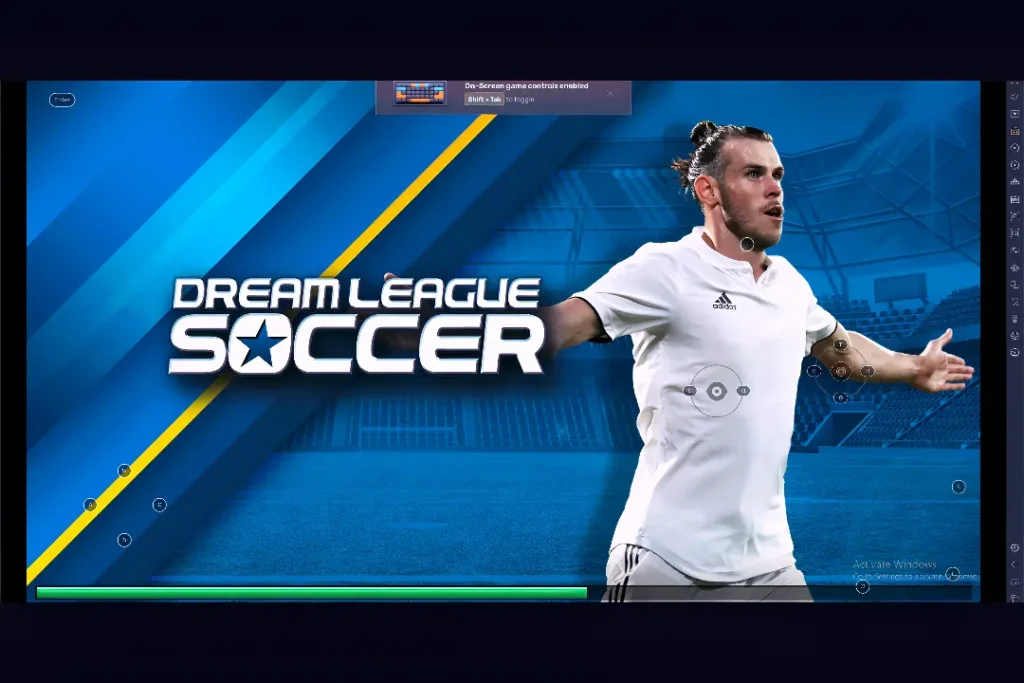
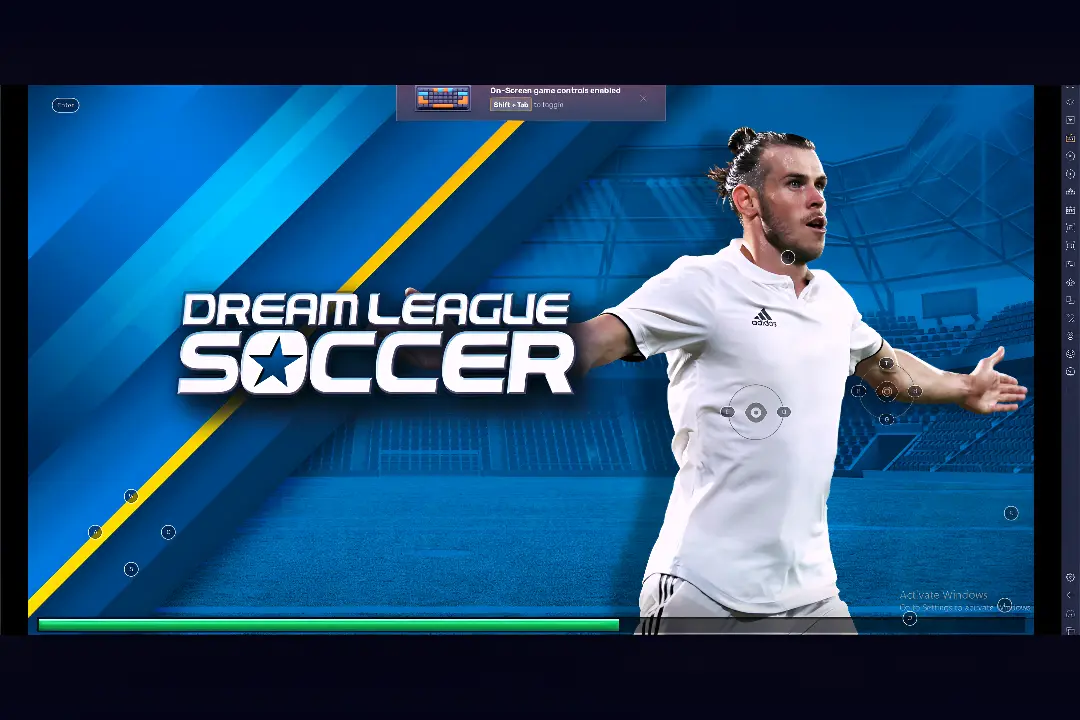
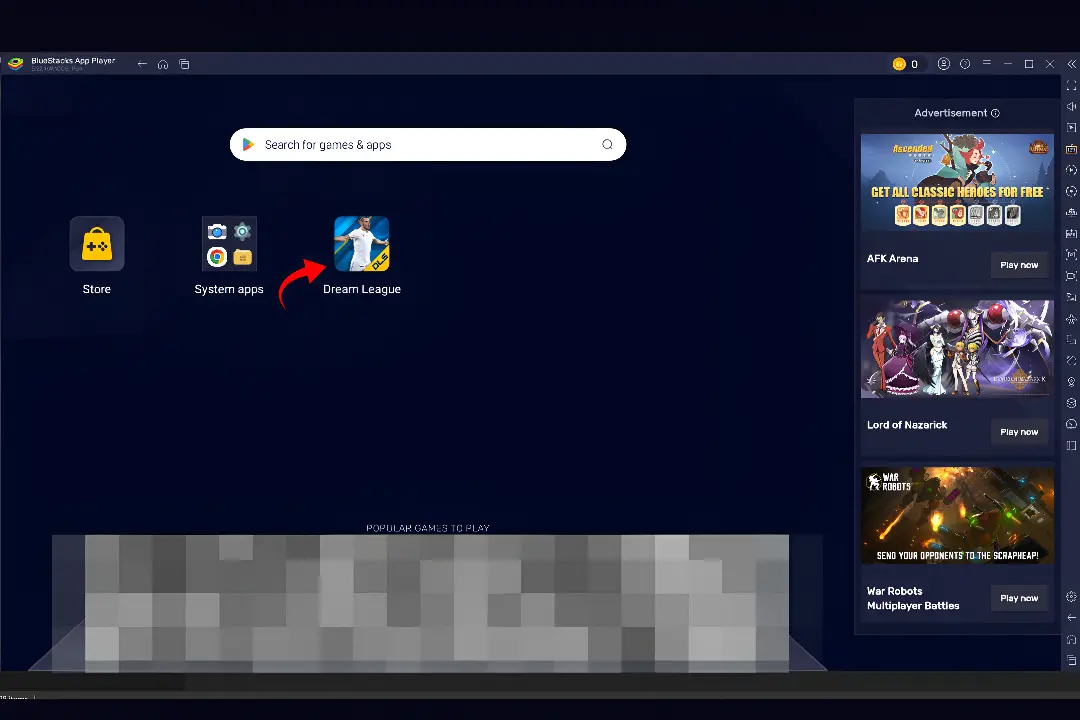
Dream League Soccer 2019 (DLS 19) remains highly popular among Android players, with many opting to play it on Windows PC for a larger display and better controls. Although there’s no official Windows version, you can use Android emulators like BlueStacks or LDPlayer to run DLS 19 on your computer. This allows for keyboard mapping, full-screen gameplay, and stable performance.
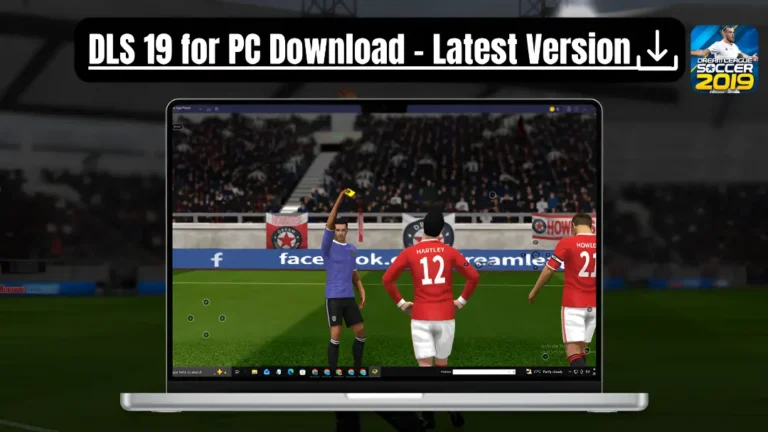
This guide will help you download and install DLS 19 on your PC, choose the best emulator, configure high-precision controls, optimize performance settings, and troubleshoot common issues. Whether you’re transitioning from Android or trying DLS 19 on PC for the first time, you’ll be ready to enjoy every match with ease.
Why Play DLS 19 on PC?
Playing Dream League Soccer 2019 on PC offers several advantages over mobile gaming. The larger display and smoother performance enhance the gaming experience, while customizable controls make gameplay more comfortable for longer sessions. Additionally, the smooth framerates on PC allow you to focus on tactical passing, squad development, and winning trophies without stuttering.
Enjoy Football on a Bigger Screen
One big difference is the larger display. Playing on a desktop monitor or laptop gives you a wider view of the field. This makes it easier to see player movements, find open passing lanes, and react quickly to defensive situations.
More Accurate Keyboard Controls
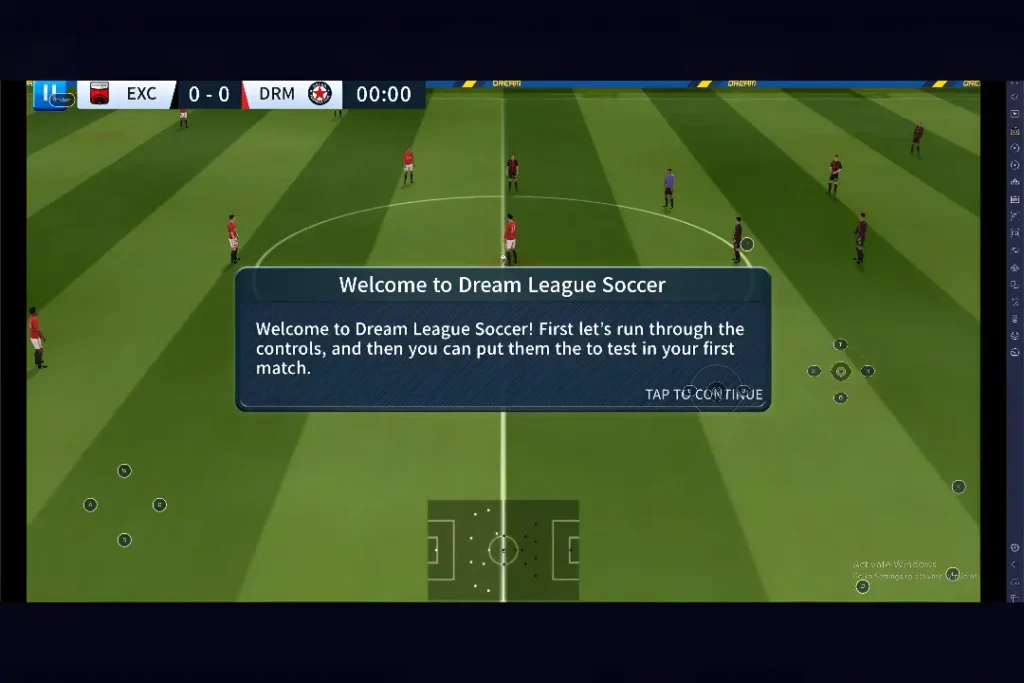
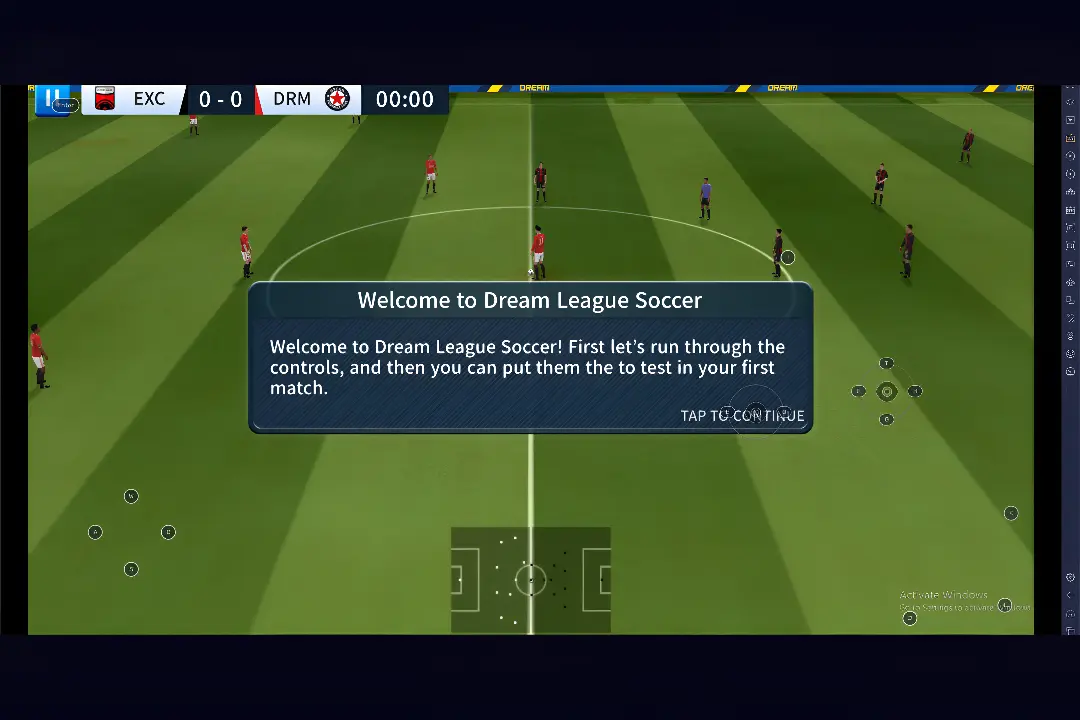
Touch controls are effective on mobile devices, but many players prefer the accuracy of a keyboard. Android emulators let you assign movement, passing, shooting, sprinting, and defensive actions to specific keys.
Easier Club Management
Dream League Soccer 2019 is about more than just matches; it involves managing your football club by handling player transfers, upgrading your stadium, and adjusting strategies. Playing on a larger screen enhances the experience, making it easier to view player info and compare team members for informed decisions.
An Ideal Choice for Returning Players
Many football fans who played DLS 19 on Android years ago are now playing the game on their PCs for a more comfortable experience. The game features classic gameplay, responsive controls, authentic FIFPRO™ player rosters, and custom 26/27 kit importing. This keeps the experience authentic yet fresh.
Stunning Visuals
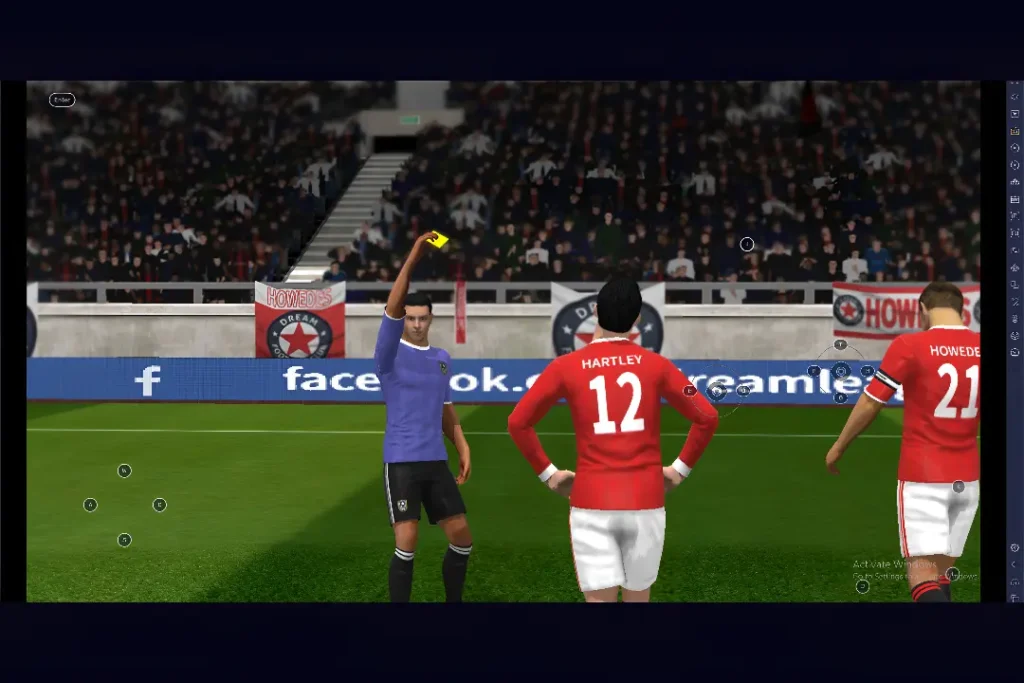
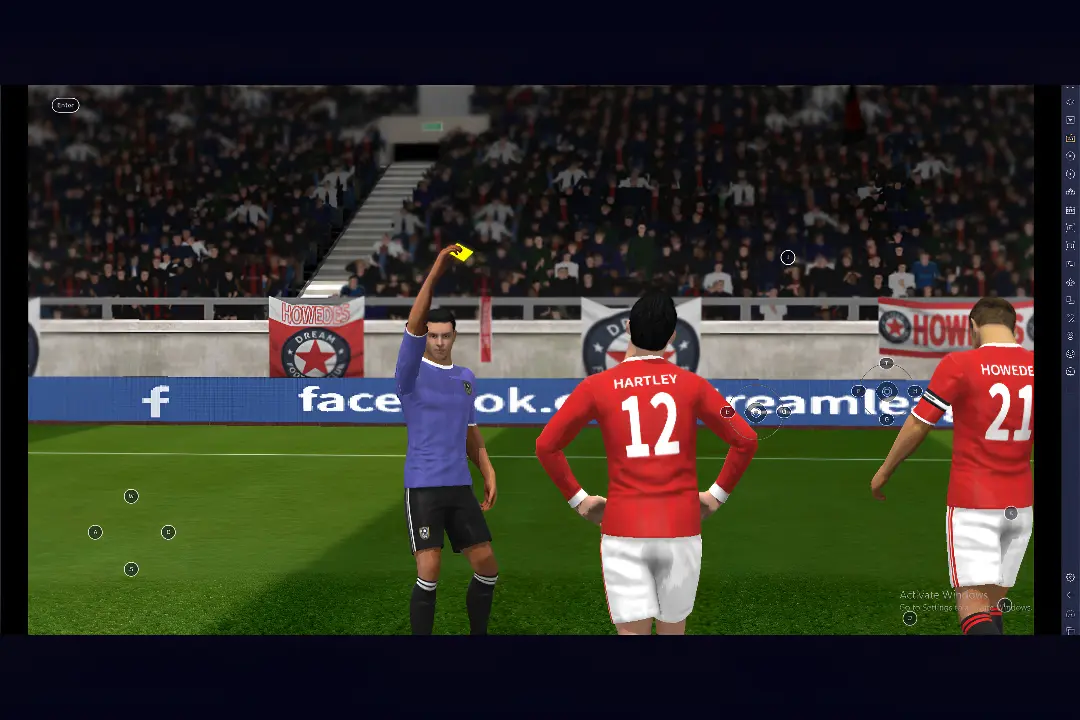
Playing DLS 19 on a PC offers a superior visual experience. The larger screen allows for better pitch textures, detailed stadiums, smoother player animations, and enhanced lighting.
Android emulators let you assign specific keys for movement, passing, shooting, sprinting, and defense, providing better control in fast-paced matches.
Built for Longer Sessions
Playing on a PC is ideal for long gaming sessions, as it allows you to sit comfortably with a keyboard, mouse, or controller. This setup makes it easier to manage your club, refine tactics, and compete through multiple divisions without interruption.
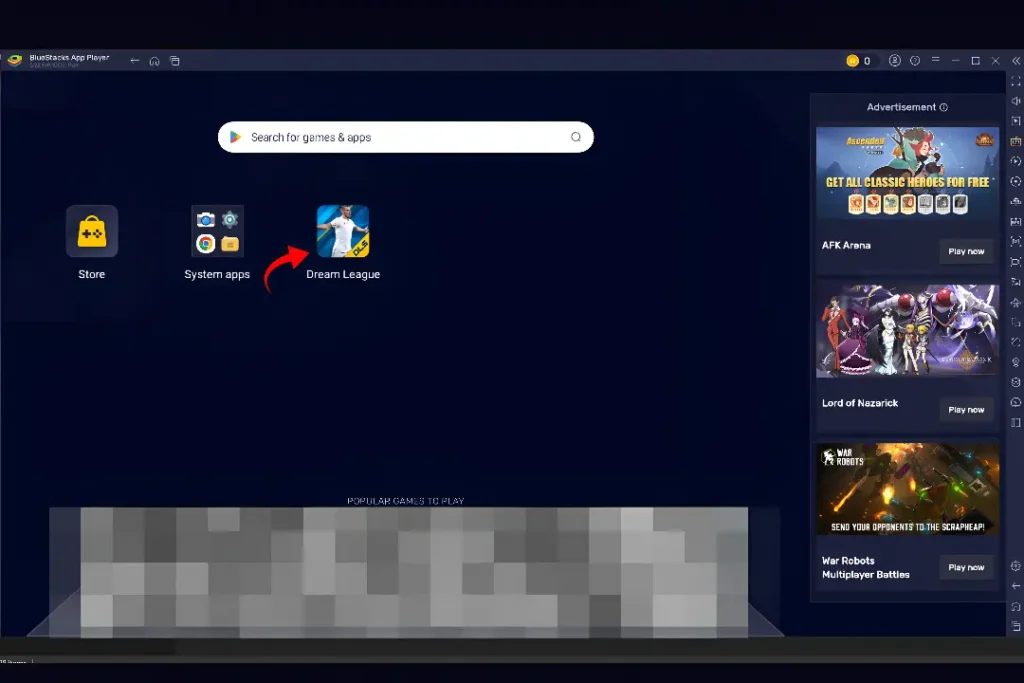
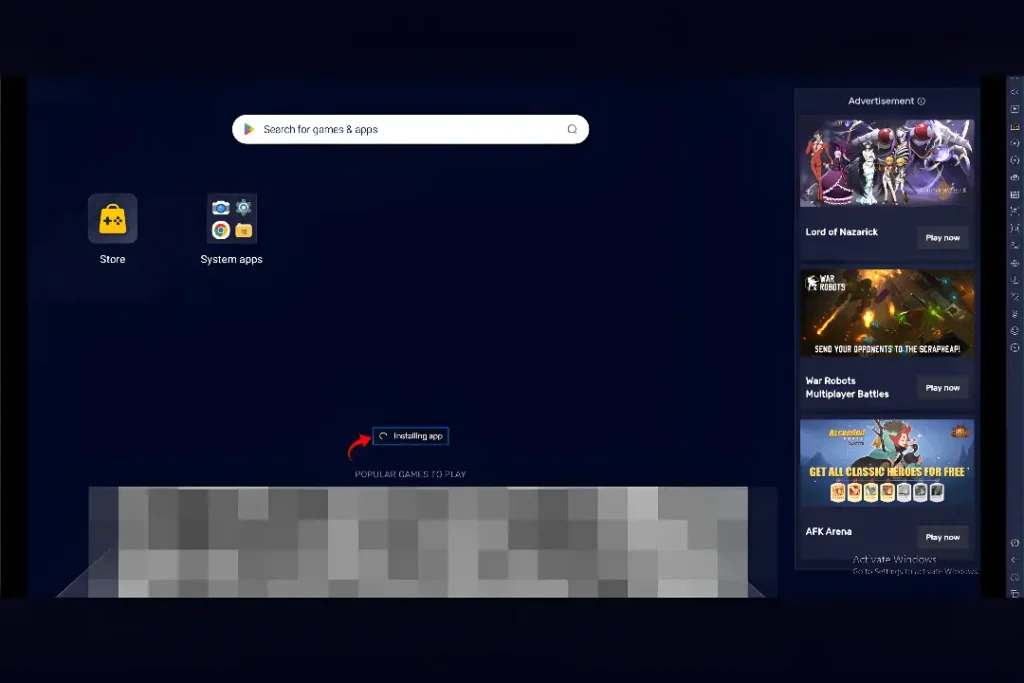
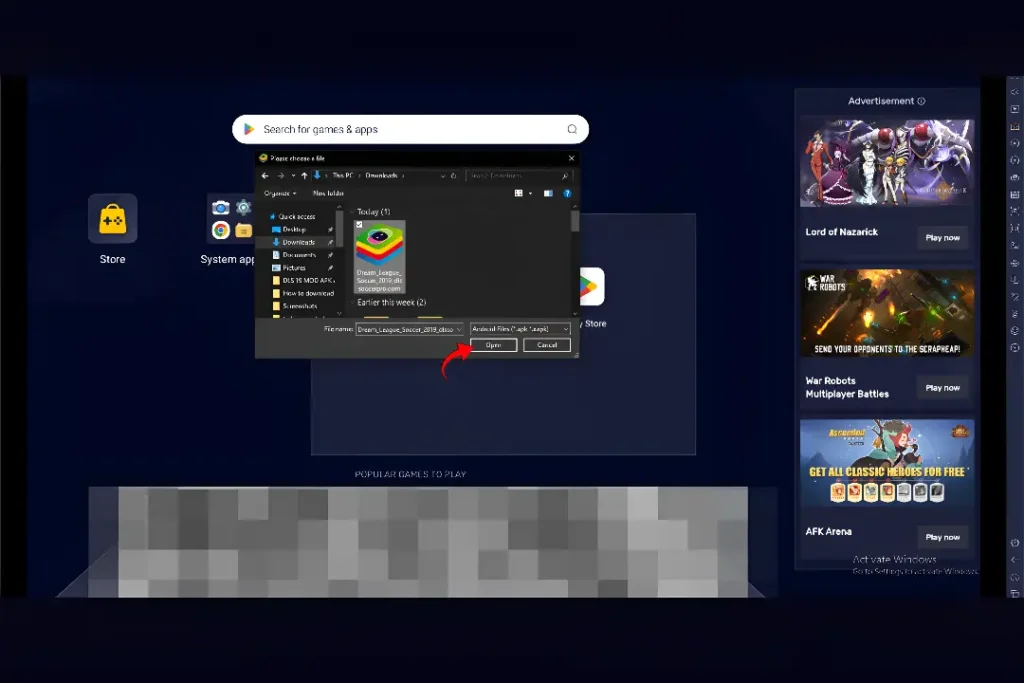
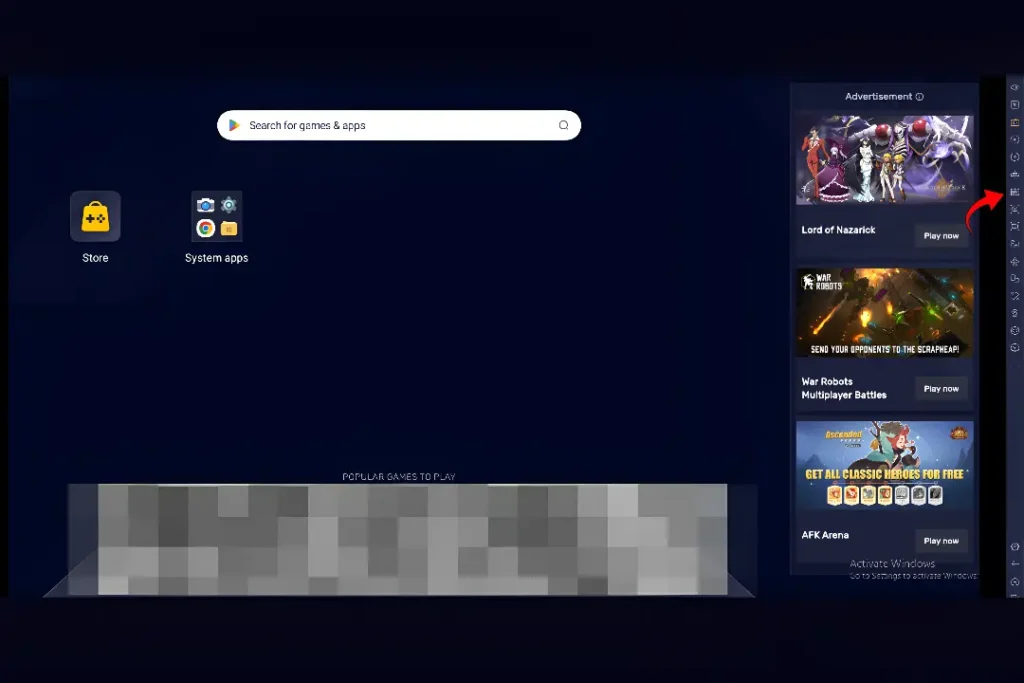
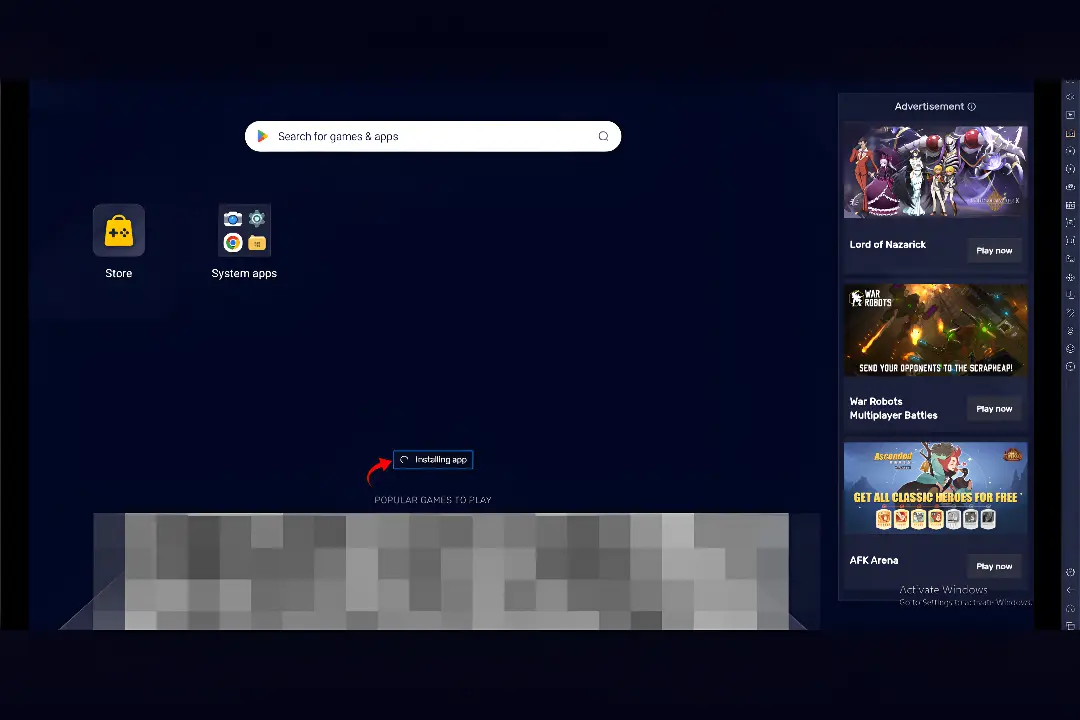
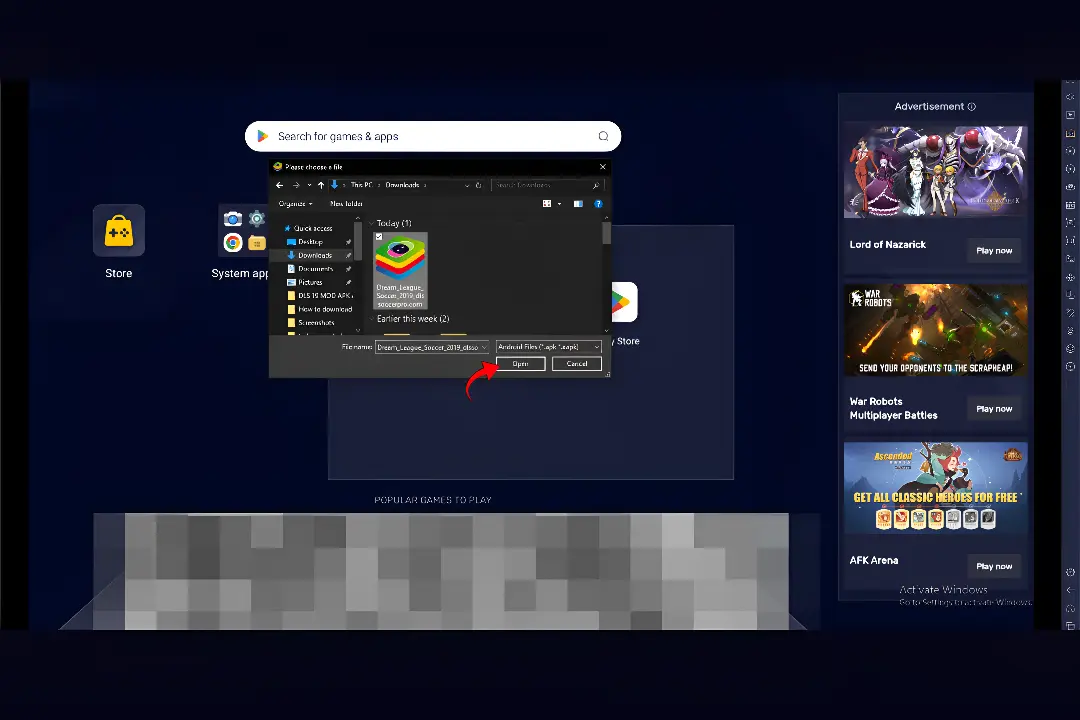
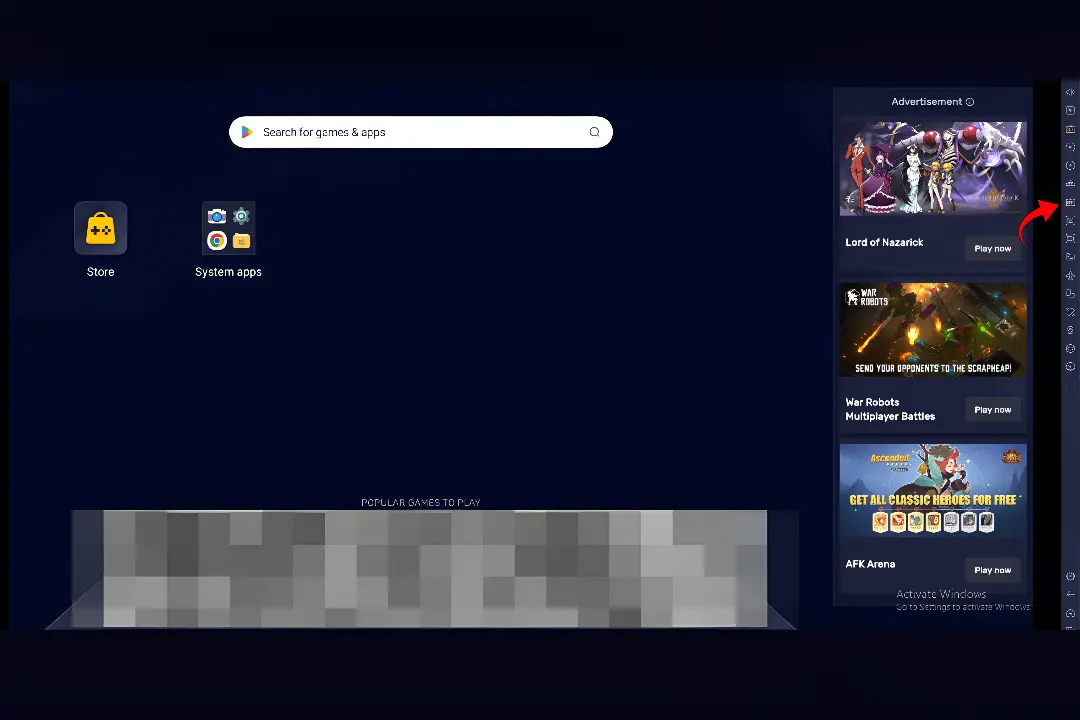
How to Play DLS 19 on PC Using an Android Emulator
Pros and Cons
PROS
CONS
Final Thoughts
Dream League Soccer 2019 continues to be a favorite among football fans thanks to its enjoyable gameplay, offline support, and rewarding club management experience. Playing the game on a Windows PC through an Android emulator adds the benefits of a larger display, customizable controls, smoother performance, and comfortable long gaming sessions while preserving everything that makes DLS 19 so enjoyable.
Whether you’re enjoying casual exhibition matches or intense Career Mode runs. Now it’s time to build your Dream Team, compete for trophies, and enjoy every match from the comfort of your PC.